Digital Scribe
AI-Powered Equestrian Ride Analysis
AI-Powered Equestrian Ride Analysis
AI-Powered Equestrian Ride Analysis
Tip: Press 1-8 to select keypoint, click video to place, arrows to navigate frames.
Upload a video and our trained AI model will automatically detect rider pose and provide training feedback.
On slower devices, model load can take 2–10 min and use high CPU. The Position Analysis tab uses built-in pose detection and does not load this model.
Based on keypoint alignment and consistency
Hip-to-heel vertical line accuracy
Load a video and its corresponding JSON annotations for manual analysis and scoring.
Upload a video of your ride. The system detects camera angle automatically. Side view = upper body, leg, and head alignment. Front/back view = shoulder level, hip level, and weight distribution.
Filming tip: zoom in so the rider fills at least a third of the frame. Steady, rail-level footage at a consistent distance gives the best results.
Mark gait changes (optional — defaults to Canter):
No segments yet; analysis will use Canter for the whole video.
Enter fence peak times as m:ss or seconds, comma-separated. When filled, auto-detection is skipped and these timestamps are used for the Round Report.
-
-
-
-
-
Upload a second clip from a different angle to see combined metrics. First clip detected as: —
-
-
-
-
-
-
-
-
-
Note: Horse conformation (knees, bascule, form) requires an equine-specific pose model and is not yet available. Approach rhythm is an approximation — true distance judgment requires seeing the fence.
| Video | Date | Gait | Overall | Vertical | Angle° | Jump | Round |
|---|
No sessions yet.
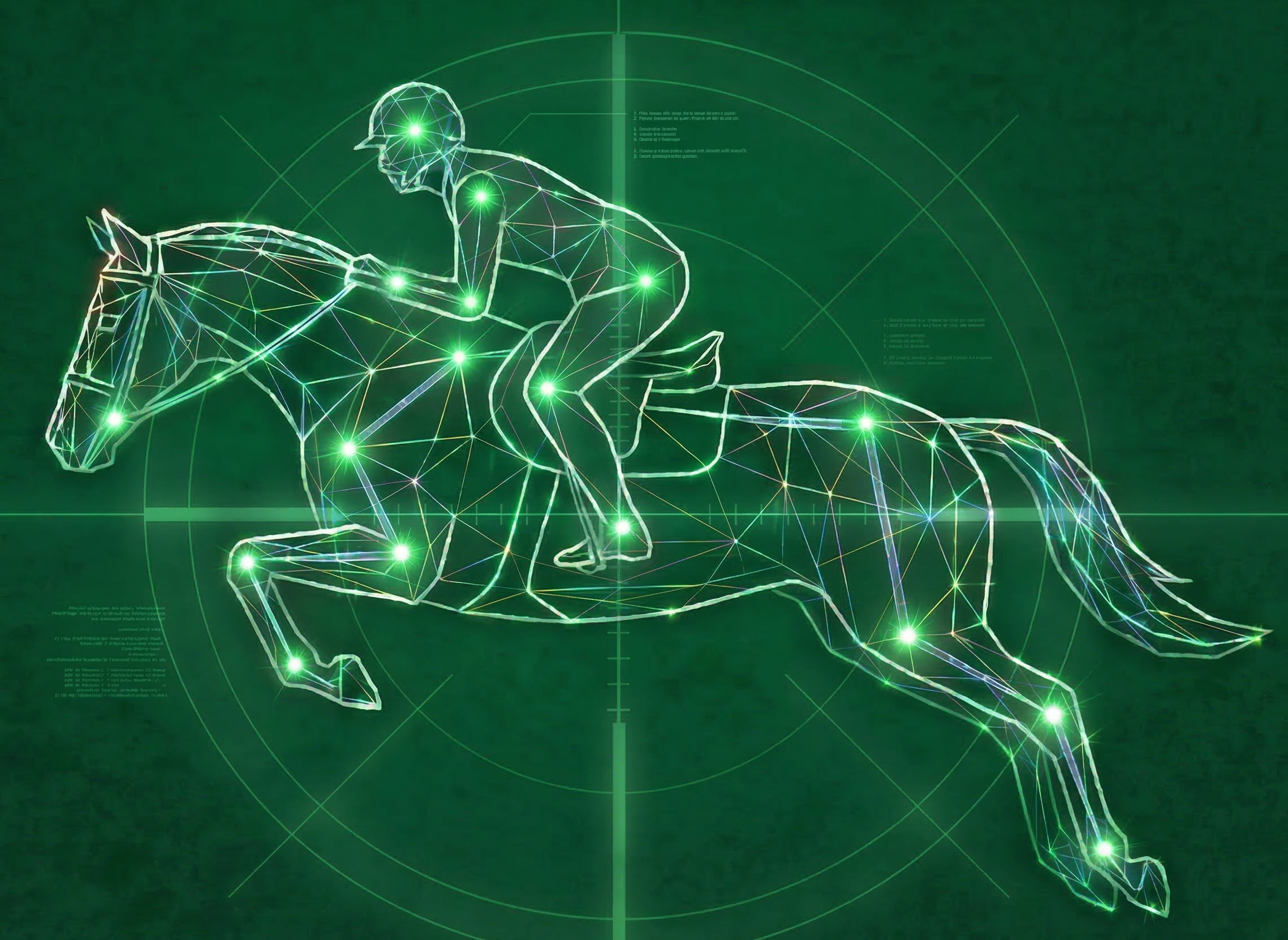
During analysis, Digital Scribe uses MediaPipe Pose to detect 33 anatomical landmarks on the rider in each video frame. The blue dots mark key points (ears, shoulders, hips, heels) and the connecting lines show the skeletal model the system is tracking. A vertical alignment line (ear–shoulder–hip–heel) shows the rider's line of balance. These overlays update in real time as the video plays back so you can see exactly what the system is measuring.
MediaPipe was trained on human pose data, not equestrians. When the camera is behind or in front of the horse, the rider's legs and hips are hidden behind the horse's body. The pose model does its best to estimate where those landmarks are, but it often snaps them to the nearest visible edges — which can be the horse's barrel, chest, or legs. This is expected and does not affect your scores. The system applies a spread-ratio filter that automatically excludes these low-quality frames from scoring. Only frames where the rider is clearly visible in a side view (where legs, torso, and arms are all distinguishable) contribute to your final scores.
The overlay is intentionally hidden when the system determines the data isn't reliable enough to display. This happens when: the rider is too far from the camera (skeleton smaller than 120px), the detected skeleton is horizontal (the model locked onto the horse's body rather than the rider), or the rider moves out of frame. These quality filters prevent misleading visuals — if you don't see the skeleton, those frames are not being scored.
When the rider appears small in the frame (below 250px tall — common in show footage filmed from a distance), the system automatically crops around the rider and upscales the image before running pose detection. This dramatically improves landmark accuracy on distant shots. You may see a brief "UPSCALE" indicator during processing. The crop zone tracks the rider's movement, adapting as they travel around the arena.
Side view produces the best results. When filming from the side of the arena, the rider's full position is visible — trunk angle, leg position, heel depth, and elbow angle can all be measured accurately. Front and back views are useful for shoulder symmetry analysis, but the rider's lower body is occluded by the horse. The system auto-detects the camera angle and adjusts scoring accordingly. For the best experience, film from the rail at roughly the horse's shoulder height.
The system tracks the rider's hip position throughout the video. When a horse jumps a fence, the hip trajectory shows a distinctive dip-and-rise pattern. Digital Scribe uses three independent detection methods (global threshold, velocity analysis, and local dip detection) and only confirms a fence when multiple methods agree. Each confirmed fence is then reanalyzed at high resolution (10 frames per second) to generate individual scorecards for fold, release, leg stability, heels, and approach rhythm. If the video is flatwork with no fences, the system recognizes this automatically and skips jump analysis entirely.
Digital Scribe measures your position in every usable frame of the video and scores each metric individually. The system analyzes up to seven flatwork metrics from side-view footage and up to five jumping metrics when fences are detected:
Flatwork metrics (side view): Upper Body Alignment (shoulder-hip trunk angle vs. gait-specific target), Head Position (ear-over-shoulder vertical alignment), Lower Leg Position (knee-to-heel angle — is the leg under the hip?), and Heel Position (heel depth below the ankle). Front/back view: Shoulder Level (symmetry), Hip Level (symmetry), and Weight Distribution (lateral balance).
Jumping metrics (when 2+ fences detected): Fold (how well the rider closes the hip angle over the fence — 25% weight), Arm Release (following the horse's mouth with a crest or automatic release — 20%), Leg Stability (does the lower leg stay put through takeoff and landing — 20%), Heel Position over fences (20%), and Approach Rhythm (consistency of the canter stride into the fence — 15%).
Each metric is scored 0–100 for every frame, then averaged. Outlier frames (caused by momentary landmark noise) are automatically filtered using IQR-based statistical cleaning before averaging — so a single bad frame doesn't tank your score. The Overall Score is the average of all available metric scores. When both flat and jumping data exist, it's a 50/50 blend of the flat average and jump average.
Upper body alignment — the most important metric in equitation — is scored against gait-specific targets calibrated to USHJA Hunt Seat standards. A rider whose trunk angle falls in the "excellent" range for the selected gait scores 100. Angles in the "good" range score 70–100 proportionally. Angles beyond the fault threshold or behind the motion score progressively lower. This means you are never penalized for correct forward position at the hand gallop, and never rewarded for being too upright at the posting trot.
Scores are calibrated to USHJA Hunt Seat equitation standards, with different targets for each gait. At the walk, the ideal trunk angle is nearly vertical (0°). At the canter, a slight forward inclination is correct (8° target). Posting trot calls for more forward motion (12°), and hand gallop even more (25°). The system scores against these gait-specific targets rather than using a single standard for all gaits — because "correct position" changes with the gait. Select the appropriate gait before analyzing, or mark gait segments in the timeline for videos with multiple gaits.
Correct rider position changes with the gait. A rider who is appropriately forward at the hand gallop would be faulted for that same angle at the walk. If your video contains multiple gaits — for example, an equitation flat class where the judge calls walk, trot, and canter, or a handy hunter round that includes a trot fence, a halt, and a hand gallop — marking when each gait starts lets the system score each section against the right standard. Without gait labels, the entire video defaults to Canter thresholds, which may not be fair to your walk or trot sections. To mark gaits, scrub the video to where a gait change happens and click the corresponding button.
No. All analysis runs entirely in your browser. Your video never leaves your device — it is not uploaded to any server, cloud service, or third party. MediaPipe Pose runs locally using your device's processor. Session results are stored in your browser's local storage only. This is privacy by design: your riding footage stays yours.
Yes — any modern phone, tablet, or camera that records video will work. There is no special equipment, no markers, and no wearables required. For best results, film at 720p or higher resolution. The system includes a Crop + Upscale pipeline that can handle show footage filmed from a distance, but closer footage (where the rider is larger in the frame) produces more reliable landmark detection and better scores. Portrait or landscape orientation both work.
The system tracks one rider at a time. During initial detection, it searches for the most prominent rider in the frame and locks onto them. If other riders or people are visible, the system generally stays locked on the original target using predictive tracking — but in busy warmup rings or group lessons, the pose model may occasionally jump to a different person. For the most reliable results, try to film when the target rider is the dominant figure in the frame. Solo schooling sessions and competition rounds produce the best data.
Processing runs at approximately 4 frames per second. A 1-minute video takes about 15 seconds to analyze; a 3-minute hunter round takes about 50 seconds. After the initial analysis pass, the system runs a second high-resolution pass (10 FPS) on any detected fences to refine jump timing and produce per-fence scorecards. Total processing time depends on your device's speed — newer laptops and phones are faster. You can watch the skeleton overlay update in real time during processing.
Digital Scribe provides objective, repeatable measurements of rider position — not a replacement for a trainer's eye. The system is highly consistent: run the same video twice and you'll get very similar scores. It is calibrated to USHJA Hunt Seat standards, so the targets and fault thresholds reflect what a judge looks for in the equitation ring. Where it excels is tracking trends over time — is your lower leg getting more stable week over week? Is your trunk angle more consistent at the canter than it was a month ago? Think of it as a training journal with numbers: a complement to your trainer's coaching, not a substitute for it.
When the system detects two or more fences in a video, it generates a Round Report — a per-fence breakdown of your jumping performance. Each fence gets its own scorecard (fold, release, leg stability, heels, and approach rhythm), and the report includes consistency analysis across the round: which metrics stayed steady, which deteriorated, and where your strongest and weakest fences were. It also scores your flatwork between fences separately. This gives coaches and riders a detailed picture of how the round developed — not just a single overall number.